How to Check a Waterjet-Cut Sink Opening
Check the drawing, inspect the cut edge and dry-fit the basin before you approve a batch of countertops.
- Topic
- Waterjet cutting
- Published
- Reading time
- 1 min read
- Published by
- HoYun Machinery
In this articleBrowse all sections
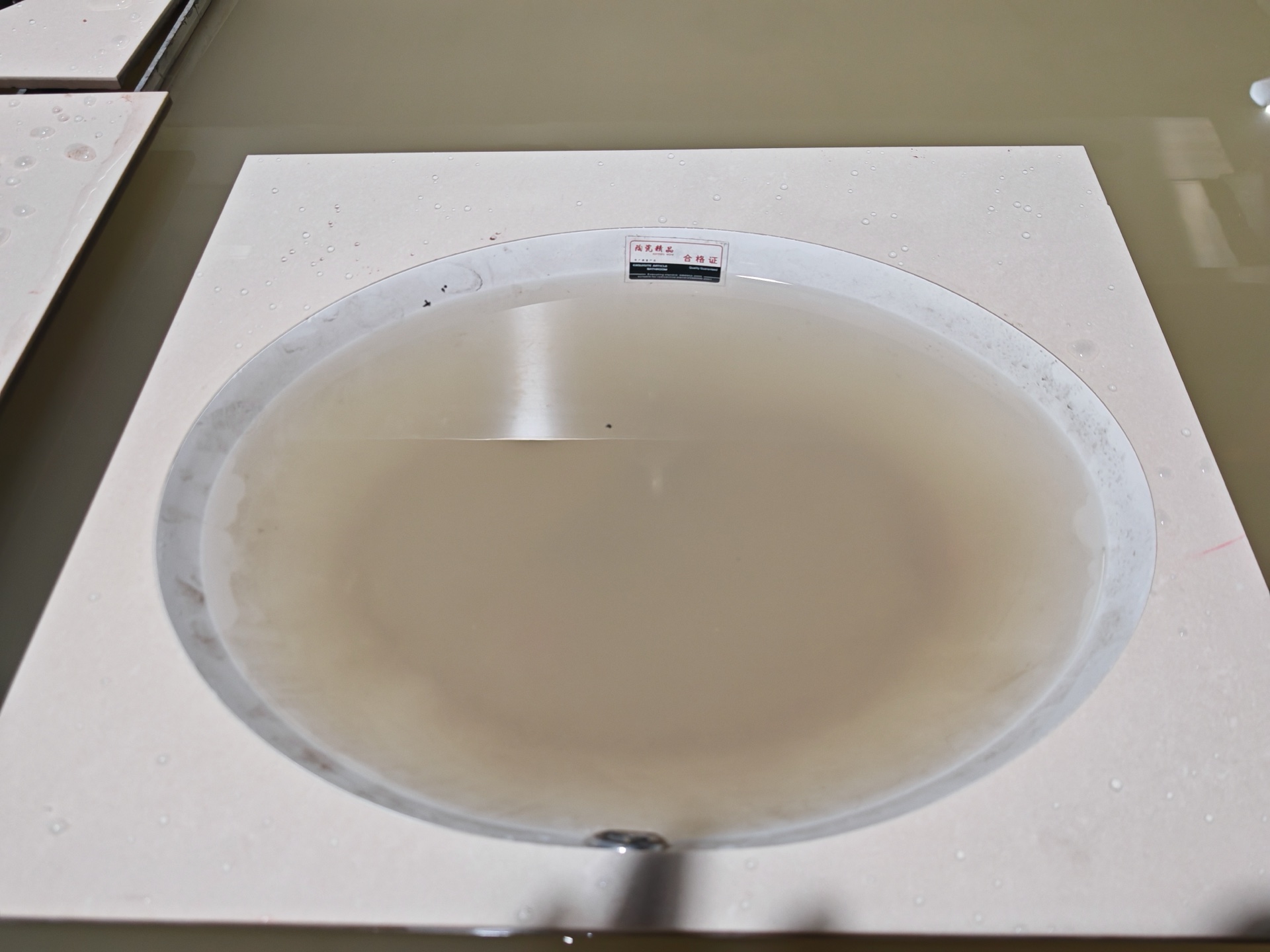
An opening can match the drawing and still look wrong once the basin is in place. Before cutting a full batch, check one waterjet-cut opening against the drawing and the actual basin.
Start with the basin template
Use the current template for the exact basin model. Mark the finished face, the countertop edge used as a reference and the position of the opening. For an undermount basin, agree how much of the rim should show before sending the file for cutting.
Check the opening and visible edge
Check the opening size and its position from the marked reference edge. Look at the corners and the visible cut edge for chips or an uneven finish. If the drawing calls for edge finishing, agree whether to inspect the sample before or after that step.
Dry-fit the basin
On a supported test piece, position the actual basin without adhesive. Check that the rim looks even around the opening and that the specified fixings have clearance underneath. Keep photos from above and below with the drawing revision and your measurements so you can check the next piece against the same reference.
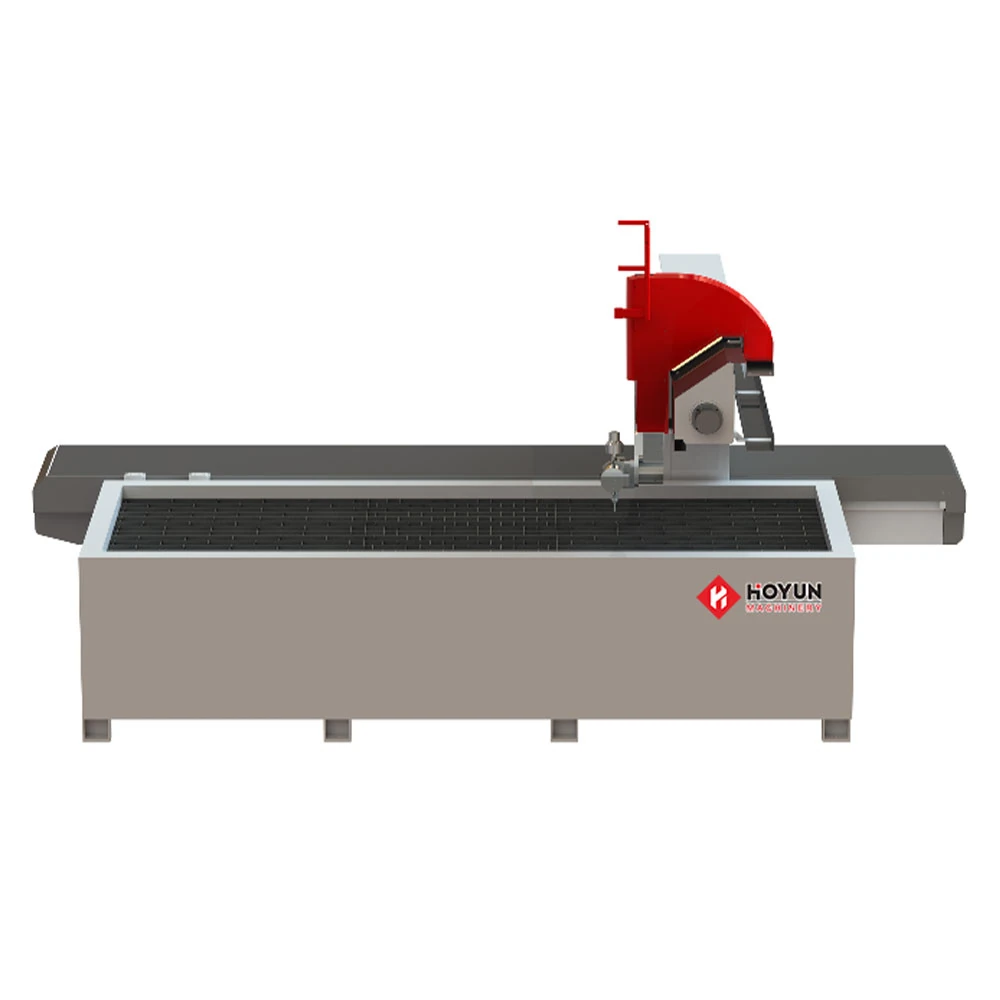
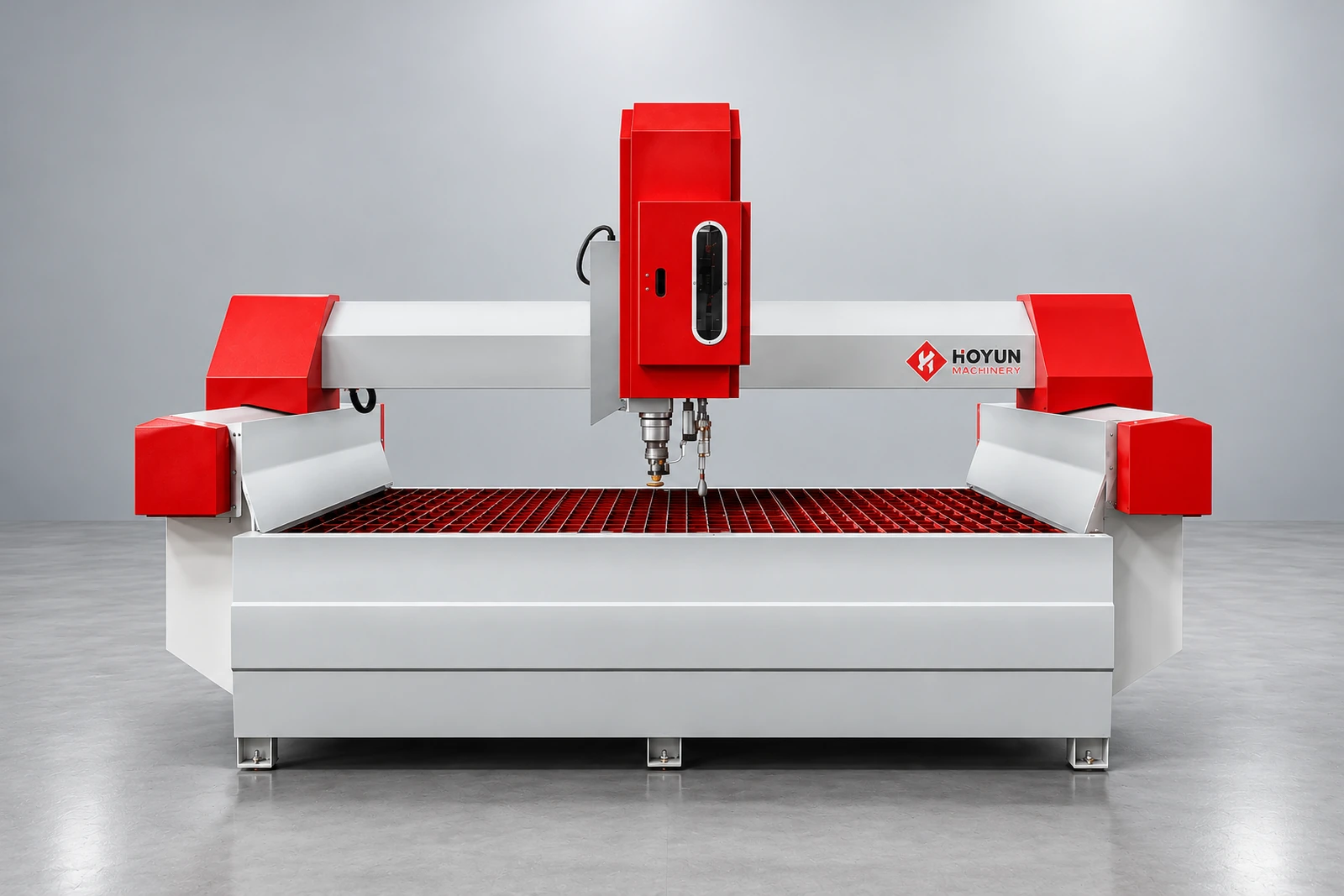
If you are planning a trial cut with HoYun, share the basin template, slab material and thickness, and how you want the edge to look. See the HoYun waterjet range for machine options.